
For network operations teams, maintaining device health relies on two key things: speed and depth. While standard network monitoring tools can successfully poll common metrics like CPU load and bandwidth across most devices, they hit a wall when dealing with specialized hardware.
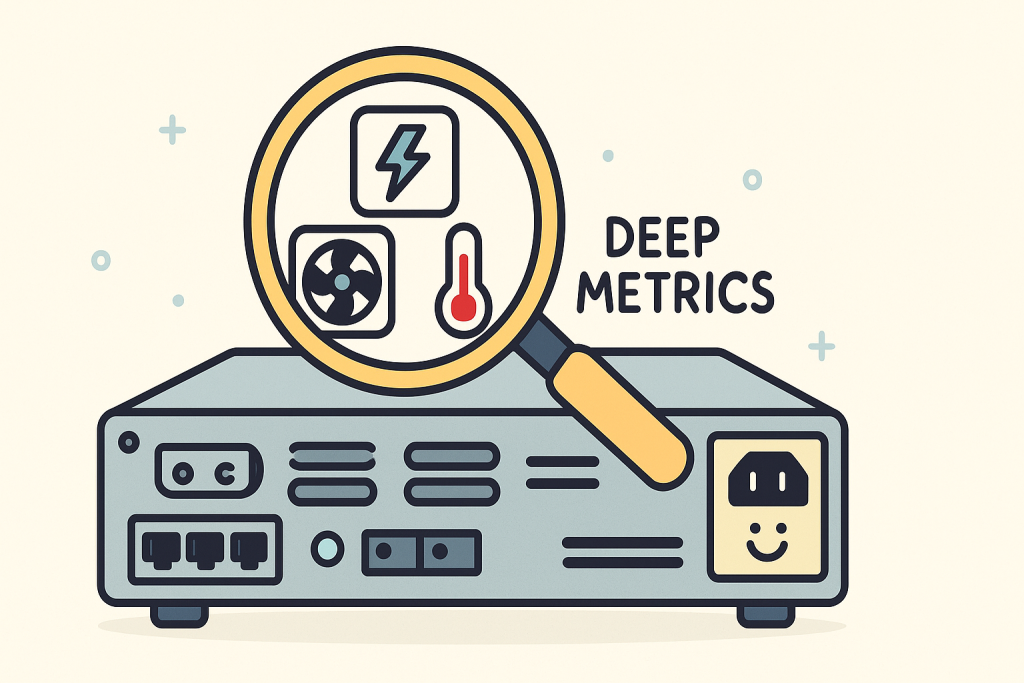
High-end routers, industrial controllers, specialized firewalls (like those from Juniper, as previously discussed), and core switches often have unique, critical health indicators – metrics like fan speed, power supply voltage, chassis temperature, or proprietary queue depth – that reside in vendor-specific Management Information Bases (MIBs), outside of the standardized set.
When these “deep metrics” are ignored, maintenance becomes reactive. You don’t know the power supply is failing until it’s dead, leading to unexpected downtime.
The NetFlow Optimizer (NFO) solves this challenge by providing an SNMP solution with the universal flexibility to ingest any vendor’s specialized health data. NFO ensures you can monitor every critical metric, regardless of whether it’s standard or buried deep within a proprietary vendor MIB.
The Limitation of Standard SNMP Polling
The Simple Network Management Protocol (SNMP) uses Object Identifiers (OIDs) – long strings of numbers – to map to specific data points on a device.
- Standard OIDs: Most monitoring tools rely on a common set of standardized OIDs (e.g., those defined in the IF-MIB for interface statistics). This is sufficient for basic health checks.
- Proprietary OIDs: Vendors create custom OIDs and MIBs to expose granular diagnostics about their unique hardware. For example, a Cisco device might have a custom OID for its internal bus load, and a Juniper device will have a unique OID for its routing engine temperature.
Traditional monitoring systems either cannot ingest these proprietary MIBs or require extensive, manual configuration for every single custom OID, which is time-consuming and prone to human error.
NFO: Customizing Telemetry for Proactive Maintenance
The NetFlow Optimizer’s SNMP Management features are built to move beyond standardization, giving engineers complete control over the device health data they collect.
1. Universal MIB and OID Support
NFO treats vendor-specific MIBs and custom OIDs as first-class citizens:
- Any Vendor, Any MIB: NFO allows engineers to easily upload and incorporate any vendor’s MIB files into the system. This immediately translates those proprietary OIDs into human-readable metric names, eliminating the need to search through external documentation.
- Targeted Polling Configuration: You can then define specific polling profiles to extract these deep metrics. This allows you to poll a critical OID for Juniper hardware temperature (e.g., 1.3.6.1.4.1.2636.3.1.13.1.7) every 60 seconds, while polling less critical metrics less frequently, optimizing the load on the network.
2. Monitoring the Critical Component Health
By accessing these proprietary metrics, NFO provides the intelligence needed to shift maintenance from reactive to proactive:
- Failure Precursors: Monitoring metrics like Power Supply Status (not just “On/Off,” but voltage levels) and Fan Speed allows NFO to detect when a component is degrading – for instance, when a fan’s RPMs drop below a nominal range – allowing IT teams to replace the part during a scheduled maintenance window instead of facing an emergency outage.
- Thermal and Load Management: Chassis and CPU temperature OIDs are vital for high-density hardware. NFO can track these metrics historically, generating alerts when thermal thresholds are approached. This helps network architects identify cooling deficiencies or capacity problems before the device throttles its own performance.
3. Correlating Flow and Component Health
The true power of NFO is its dual capability: efficiently collecting and simultaneously preparing custom SNMP data and flow data for correlation in your observability tool.
When a performance issue occurs:
- Without NFO: An analyst sees application latency (from NetFlow/logs) and spends hours checking device health dashboards to see if the CPU is spiking.
- With NFO: NFO’s unified output instantly links the custom SNMP metric (e.g., High Hardware Temperature) with the NetFlow anomaly (e.g., High Database Traffic). The analyst immediately knows the root cause is not malicious traffic but the device overheating due to a failing fan. This cuts the Mean Time To Resolution (MTTR) dramatically.
Conclusion: Turning Data Gaps into Diagnostic Power
Relying only on standard SNMP metrics creates operational blind spots that leave your network vulnerable to hardware failure. The NetFlow Optimizer eliminates these gaps by providing the flexibility to define and integrate any custom OID and MIB.
By unlocking these deep, vendor-specific metrics and correlating them with network flow data, NFO empowers your IT Operations team to maintain complete control over device health, moving from crisis response to proactive, predictive maintenance.
Contact us today to learn how NFO can unlock the deepest, most critical metrics from your specialized vendor infrastructure.
You can also schedule a demo to see how easily you can define custom OIDs and integrate specialized MIBs into your monitoring stack.